

Views & filters
Roni shows the same tasks in eight views. Switch with the view menu in the header or with a single key:
| View | Key | Best for |
|---|---|---|
| Today | D | What needs attention now |
| Week | W | Day-by-day planning |
| Month | M | The next few weeks at a glance |
| Quarter | Q | Phases and milestones |
| Year | Y | The big picture |
| Kanban | K | Moving work through statuses |
| List | L | Sorting and scanning everything |
| Calendar | A | A classic month grid |
Header filters
Section titled “Header filters”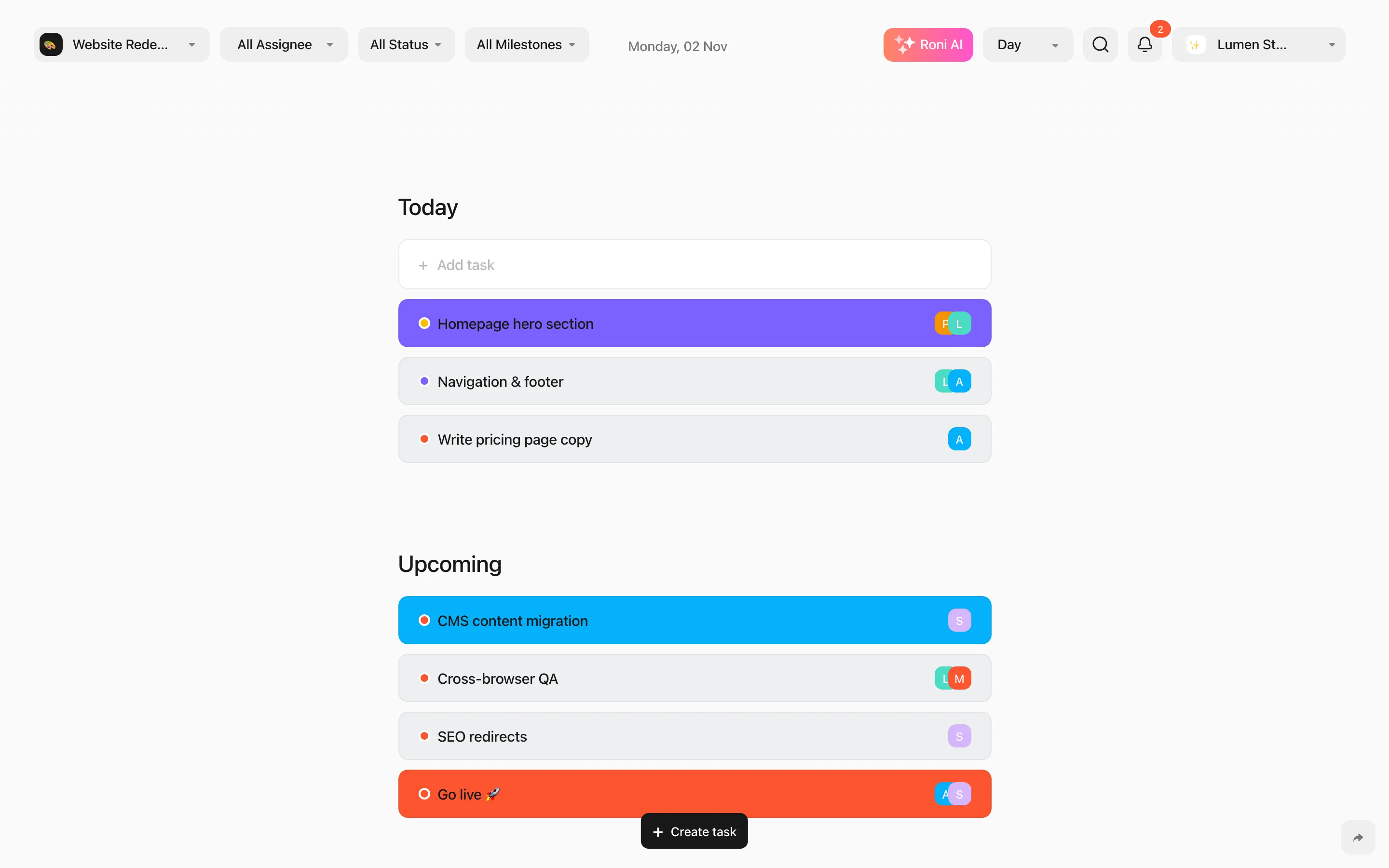
- Project — one project, or All Projects when you have two or more. Press P to jump to the next project.
- Assignee — everyone, Not assigned, or specific people.
- Status — all statuses or a selection (not shown on Kanban, where every status is a column).
- Milestone — appears when a single project with milestones is selected.
Filters are remembered per workspace, so each workspace opens the way you left it.
Search
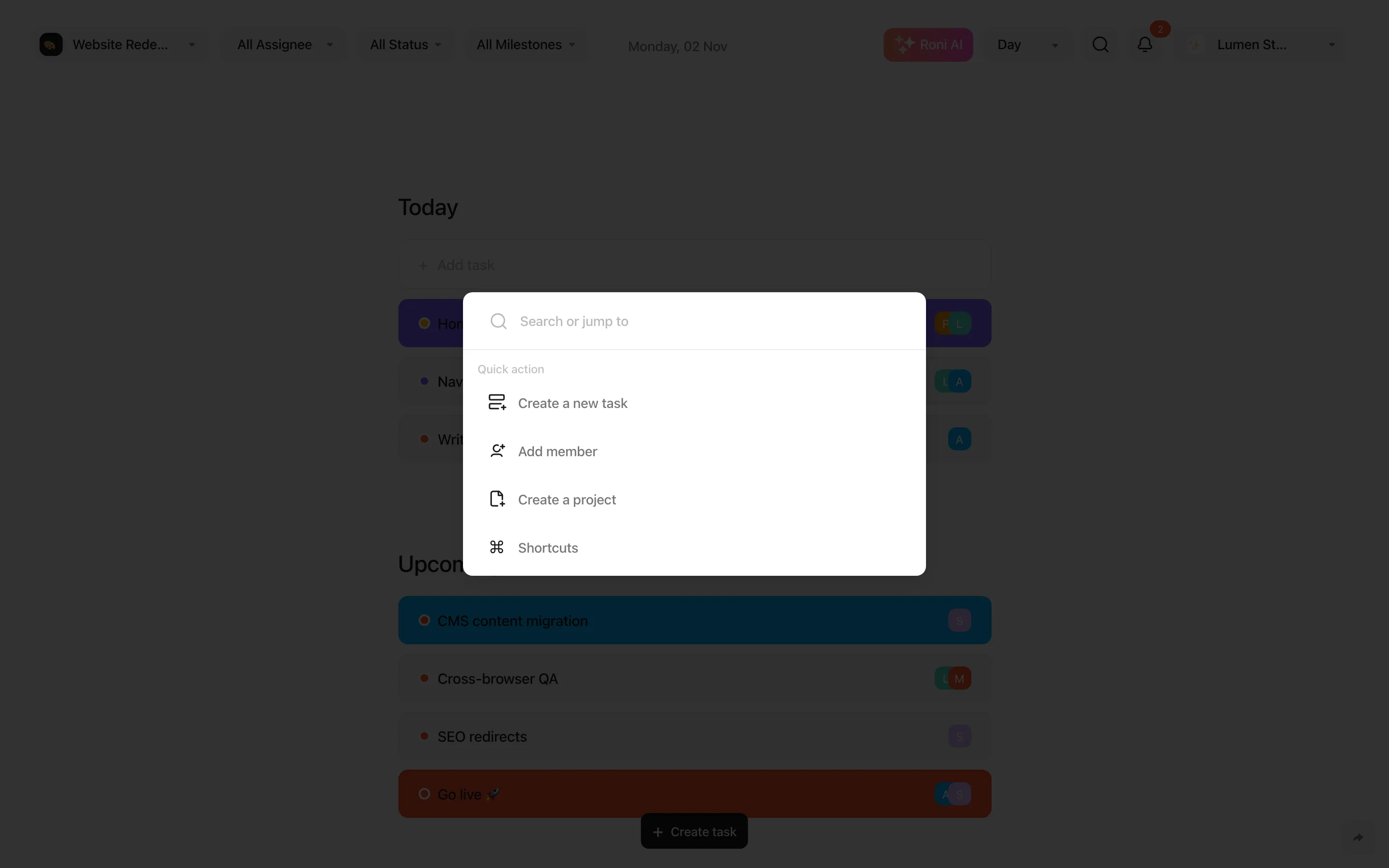
Section titled “Search”Press S or click the magnifier to search task titles and subtasks, or jump to an action such as Create a new task, Add member or Create a project.
Who’s here
Section titled “Who’s here”When teammates are looking at the same project, their avatars appear in the header. See Real-time collaboration.