

Workspace settings
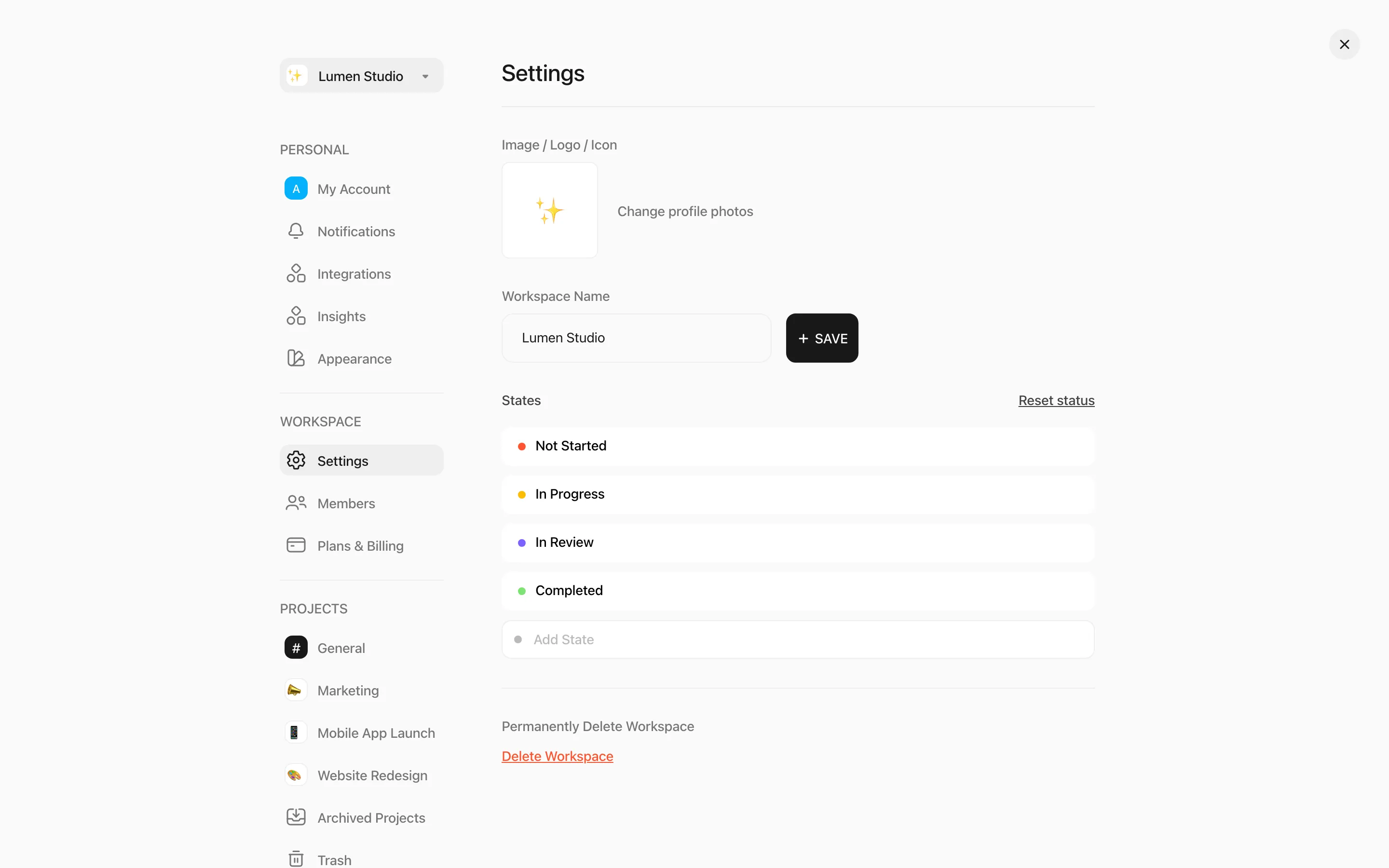
Open Settings under WORKSPACE in the account sidebar. Owners and Members can change these settings.
Name and logo
Section titled “Name and logo”Change the Workspace Name and click SAVE, or upload an image, logo or icon.
Statuses
Section titled “Statuses”Every workspace has three built-in statuses: Not Started, In Progress and Completed. Completed tasks are greyed out on the timeline.
- Add State creates a custom status, such as In Review. Custom statuses sit between Not Started and Completed.
- Drag custom statuses to reorder them.
- Use a custom status’s menu to Edit it, Change Color or Delete it. Tasks with a deleted status move to Not Started.
- Reset status removes all custom statuses.
Switch or create a workspace
Section titled “Switch or create a workspace”Click the workspace name at the top right of the header to switch to another workspace, or choose Create Workspace. On the Free plan you can own one Free workspace.
Leave or delete a workspace
Section titled “Leave or delete a workspace”- Leave Workspace removes you from a workspace you don’t own.
- Delete Workspace (Owner only) deletes the workspace and everything in it, and cancels its subscription. Type the workspace name to confirm.