

My Account & Appearance
My Account
Section titled “My Account”Open My Account in the account sidebar.
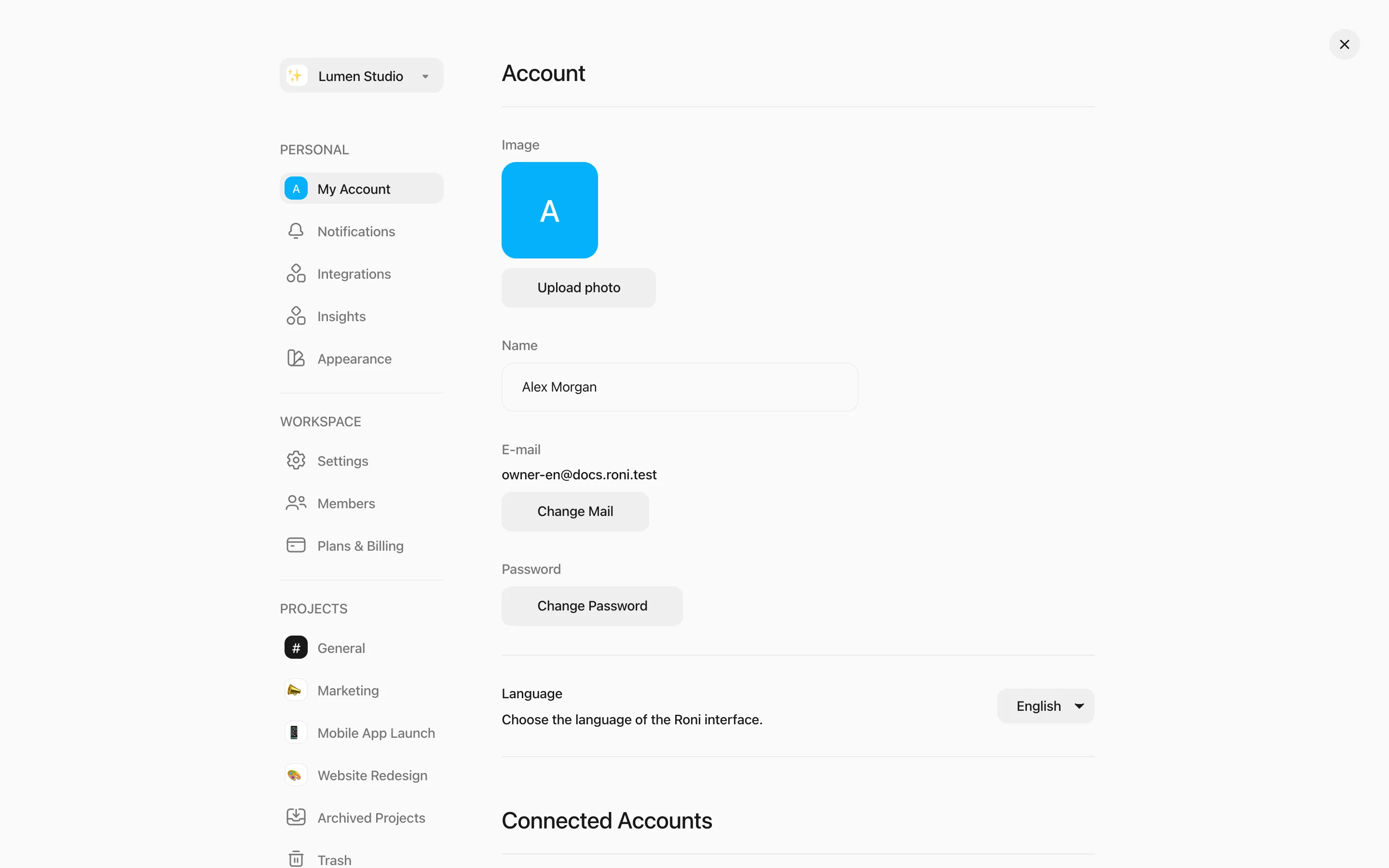
- Profile picture — an emoji or a photo (up to 5 MB).
- Name — type and press Enter.
- Change Mail — confirm with your password, then enter the 6-digit code sent to the new address.
- Change Password — you’ll stay signed in here; your other devices are signed out.
- Language — English or Türkçe.
- Connected Accounts — link a Google account with the same email to sign in with Google.
- Delete Account — deactivates your account; signing in again reactivates it.
- Permanently Delete Account — removes your sign-in details for good. If you own a workspace with other members, remove them first.
Appearance
Section titled “Appearance”Open Appearance in the account sidebar.
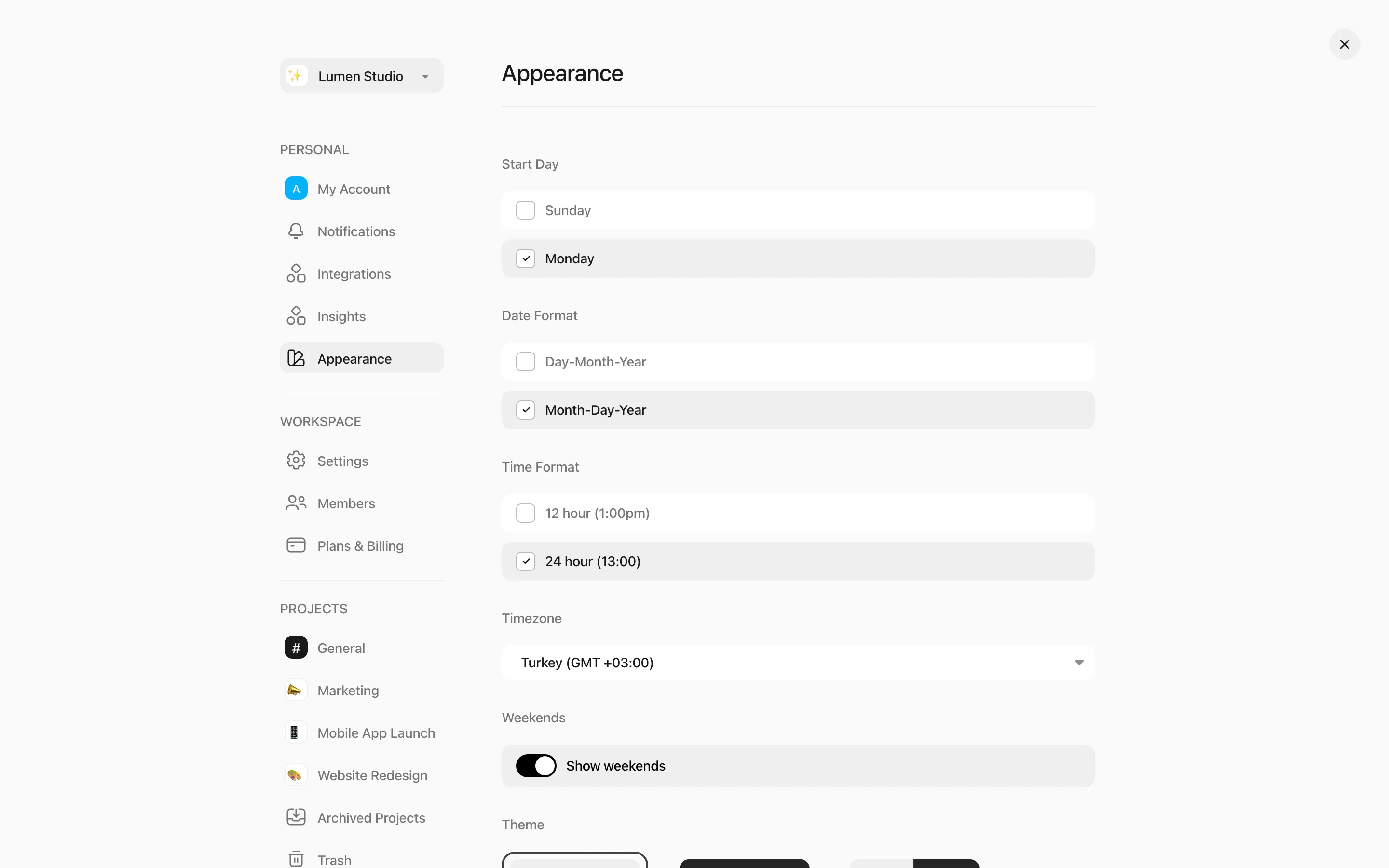
Personal settings:
- Theme — Light, Dark or System.
- Time Format — 12-hour or 24-hour.
- Timezone — if your computer’s time zone differs, Roni offers to update it.
Workspace settings (Owners and Members):
- Start Day — weeks start on Sunday or Monday.
- Date Format — day-month-year or month-day-year.
- Show weekends — show or hide Saturday and Sunday in the Week view.
- Task View — how tasks open by default: as a window, in a side view or full view.