

Milestones
A milestone is a named date range inside a project — for example Design sign-off or Build & QA. Link tasks to a milestone to see how a phase is going.
Add a milestone
Section titled “Add a milestone”- Open the project’s settings from the account sidebar.
- Under Milestones, click Add milestone.
- Enter a name and optionally a start and due date.
Each milestone shows its progress as “3 of 5 tasks completed”. Use the menu next to a milestone to Rename, Clear dates or Delete it. Deleting a milestone keeps its tasks; they just lose the link.
Link a task to a milestone
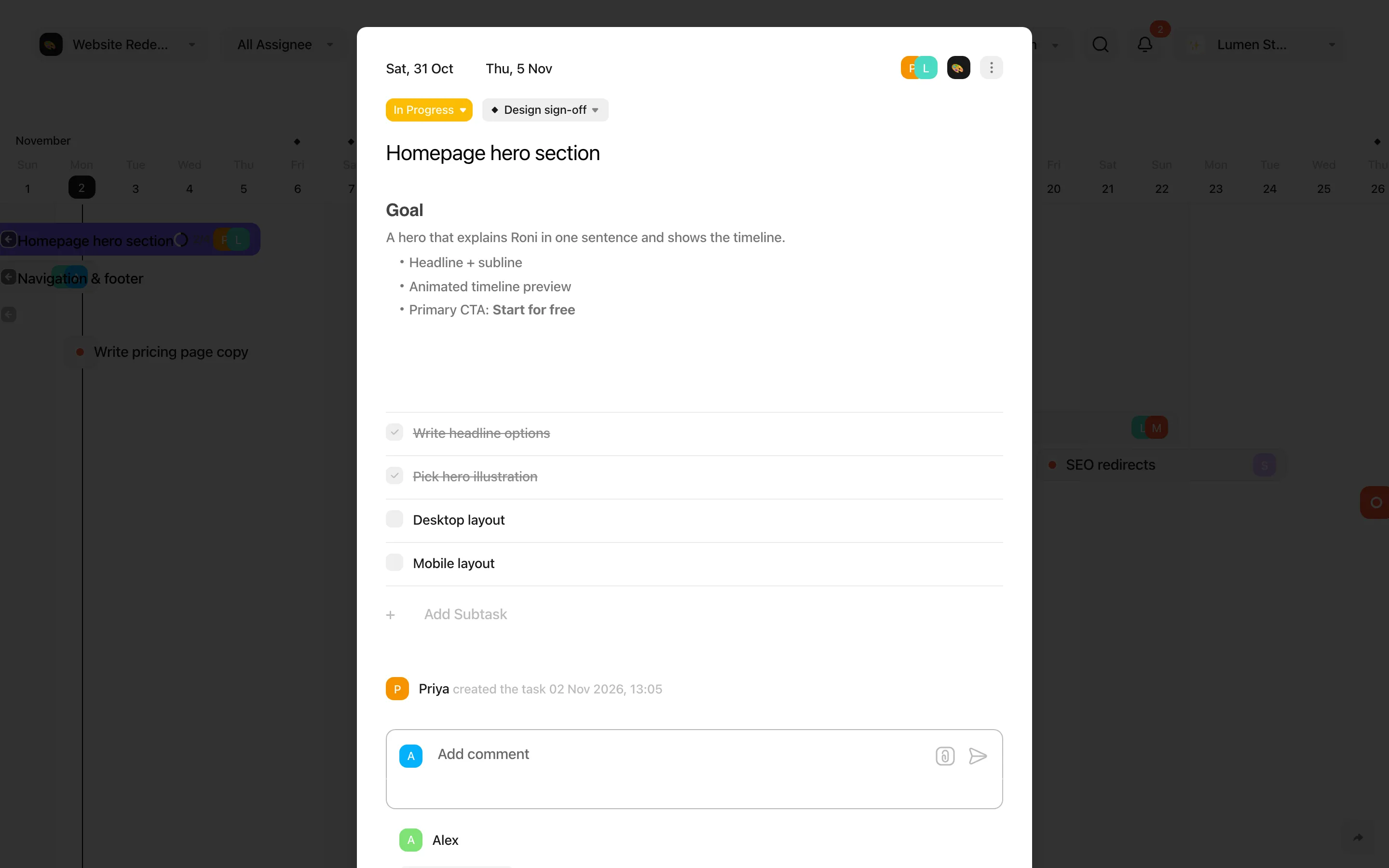
Section titled “Link a task to a milestone”Open the task and click Set Milestone next to the status. Choose a milestone, or No milestone to remove the link.
Milestones on the timeline
Section titled “Milestones on the timeline”Milestones appear as ◆ markers in the timeline header. While you drag a task that belongs to a milestone, the milestone turns red and shows Out of milestone if the task would end up outside its dates.
Filter by milestone
Section titled “Filter by milestone”When a single project is selected in the header, the All Milestones filter lets you show only one milestone’s tasks — or tasks without a milestone.