

Calendar
Calendar shows a month grid that starts on the day set in Appearance. Multi-day tasks appear as bars; if a day is full you’ll see N more.
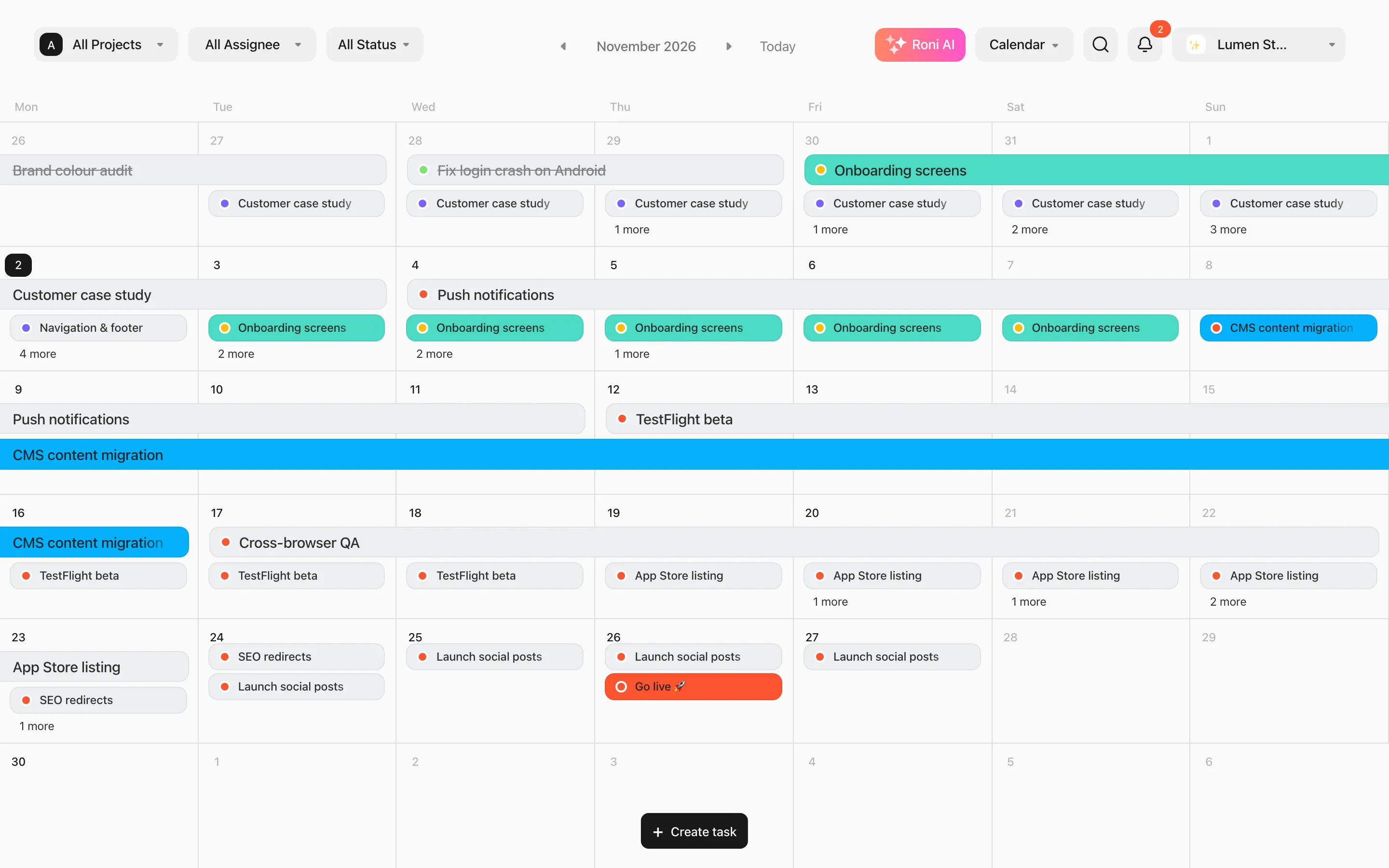
- Drag a task to another day. Multi-day tasks keep their length.
- Double-click an empty day, or hover a day and click Add Task, to create a task on that date.
- Use ‹ › to change month and Today to come back.